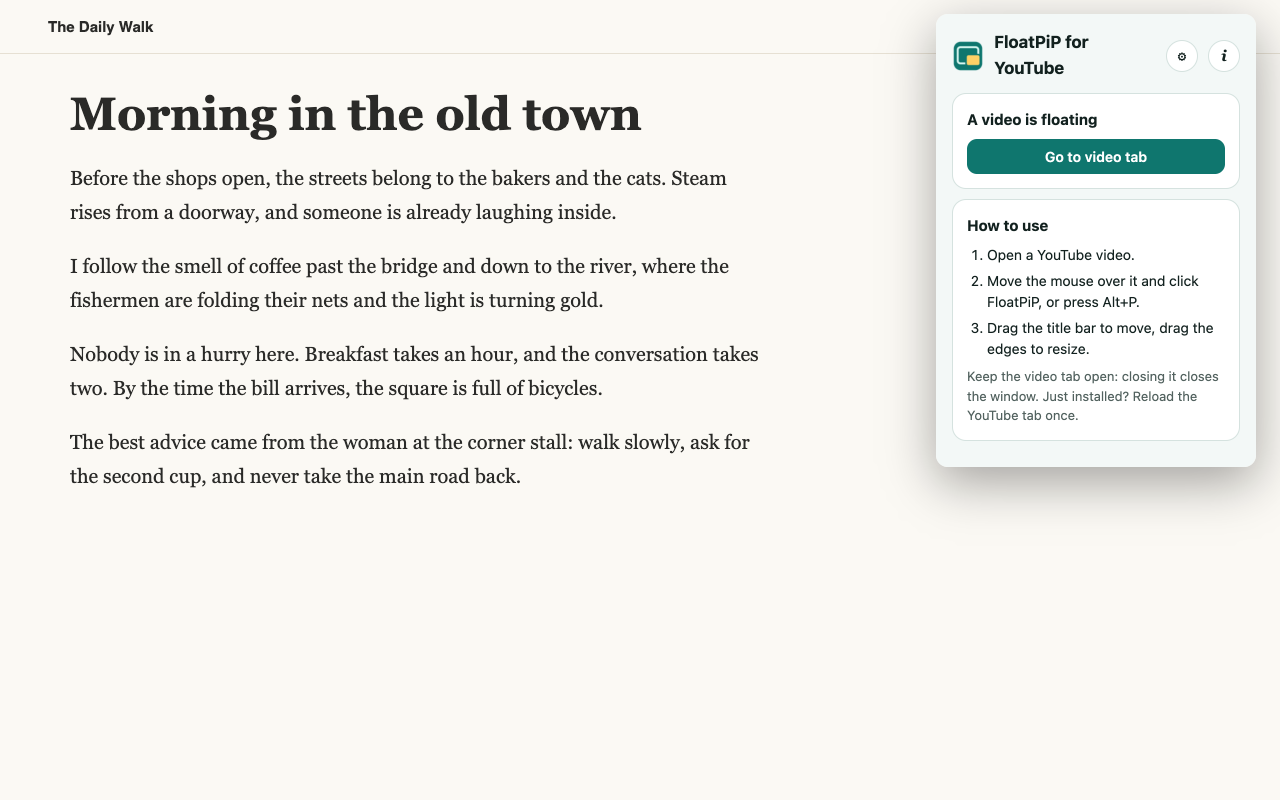
Always on top
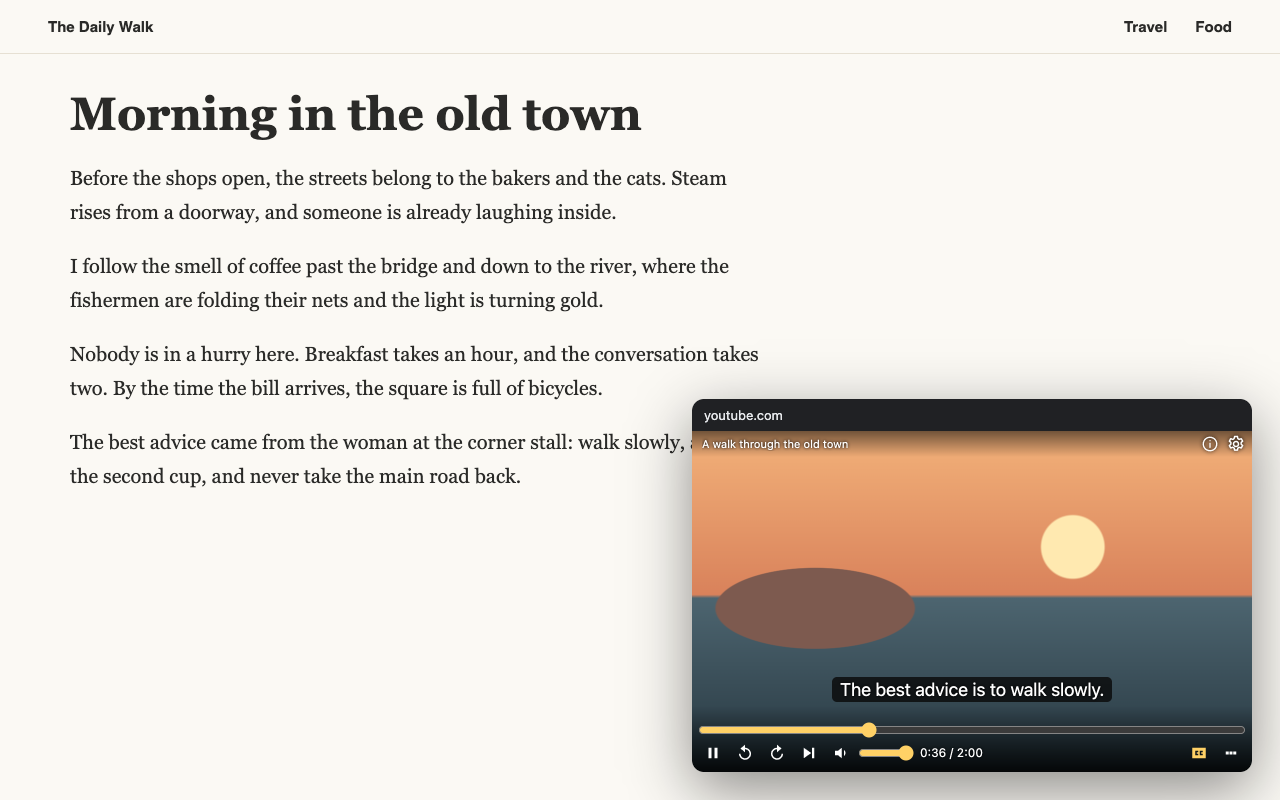
Stays visible when you switch tabs or apps.
Your size
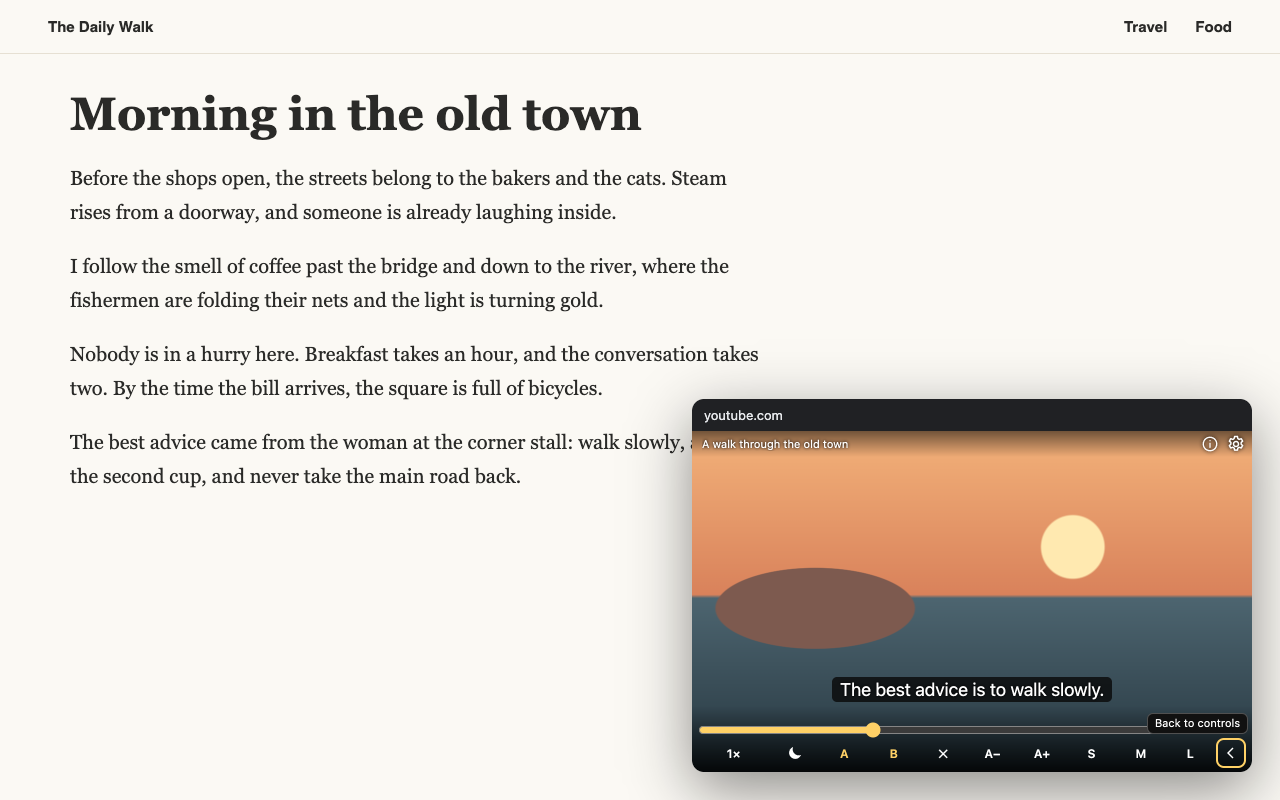
Drag to move, drag the edges to resize, or pick Small, Medium, Large.
Full controls
Play, seek, volume, speed, next video and keyboard keys.
Captions
Shows the captions you turned on in YouTube. Change their size.
A–B loop
Repeat any part of the video.
Sleep timer
Pause after 15 to 60 minutes, or at the end of the video.
See-through
Optional: a frame in the tab you are viewing, with adjustable transparency.
Private
No account, no tracking. The video stays on your computer.
 OCR Translate
 Word Reminder
 Focus One Thing
 Web Clipper
 Highlight & Note
 Dual Subtitle
 FloatPiP
 FloatScroll

 Add “FloatPiP for YouTube”?